# Radare2
## Một số câu lệnh hay dùng và nên biết và nhớ:
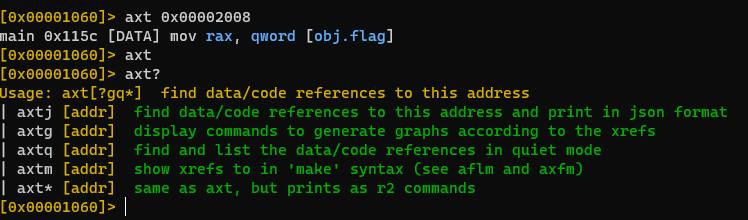
1. `?` - gợi ý các câu lệnh mà mình không nhớ. Ví dụ câu lệnh `a?`:
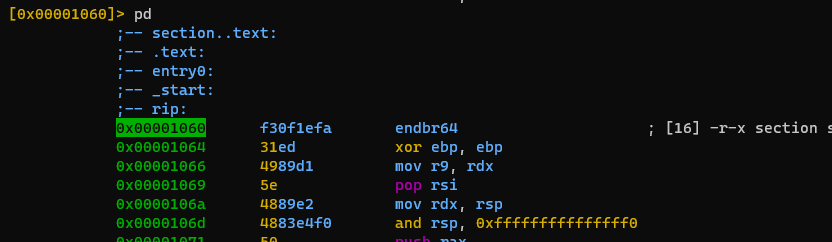
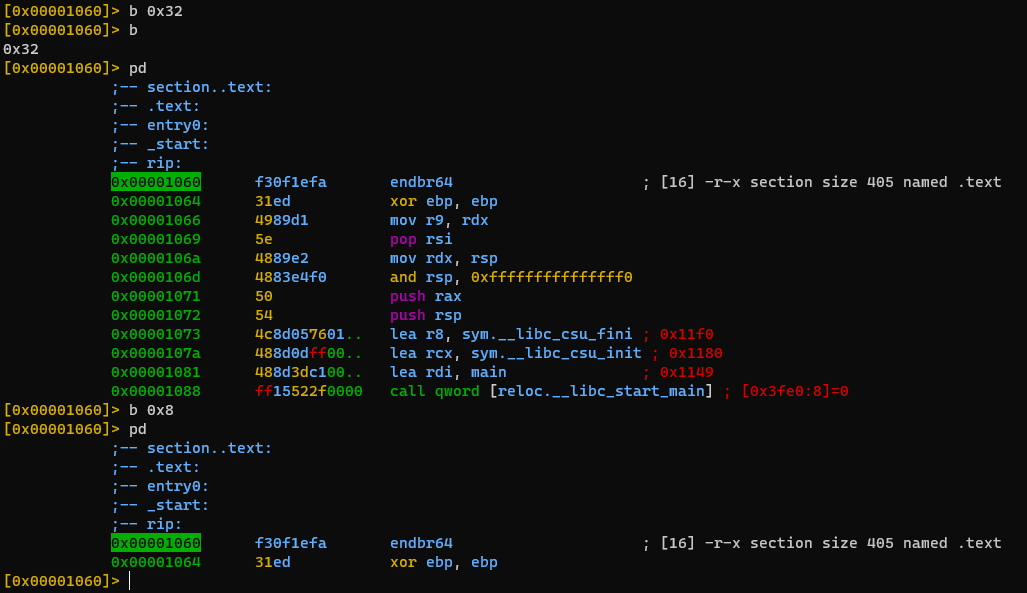
2. `pd` - disassemble instructions
`pd N` - disassemble N bytes\
`pd -N` - disassemble N instructions backwards
3. `b` - get/set block size\
`b N` - set block bằng N size
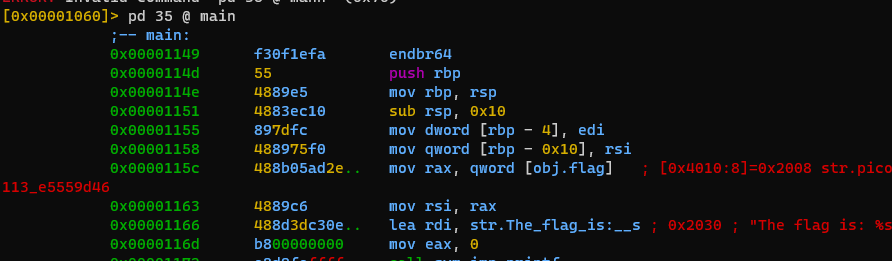
4. `@` - nó được sử dụng để tạm trỏ đến gì đó. Ví dụ `@ main` để kiếm xem có hàm main không? Nếu có thì thực hiện nhiệm vụ của câu lệnh trước `@`.
5. `! N` - muốn show N bytes
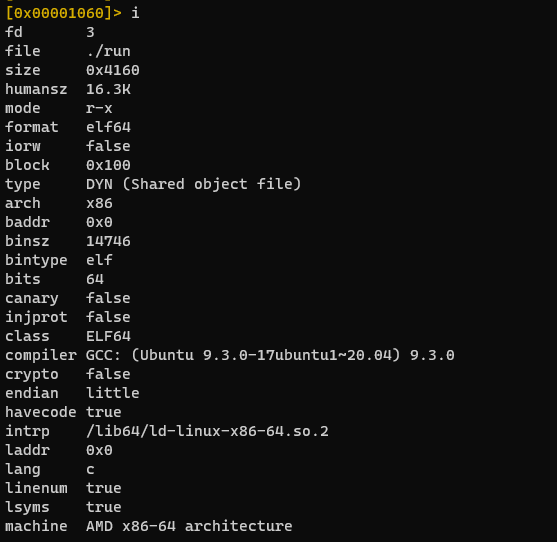
6. `i` - get info from opened file\
`iM` - show main address\
`ie` - entrypoint\
`is` - lists the symbols\
`iz` - Strings in data sections\
`izz` - search for Strings
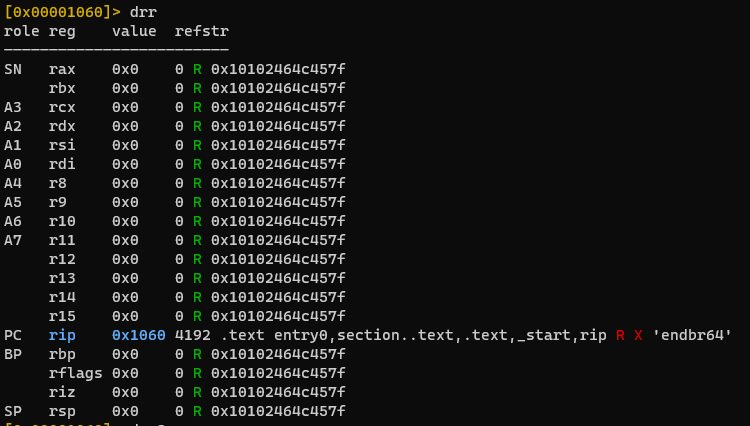
7. `drr` - show registers references:\
`[Column]` - hiển thị giá trị của cột cố định. Ví dụ `drr~[1]` hiển thị giá trị của cột 1\
`:Row` - hiển thị giá trị của hàng cố định. Ví dụ: `drr~:5` hiển thị giá trị của hàng 5
8. `Cau_lenh > output.txt` - sử dụng > để chuyển đầu ra của câu lệnh đó vào file output.txt
9. `axt address` - find data/code references to this address
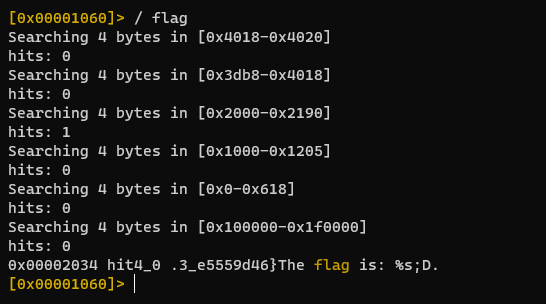
10. `/ str` - search stuff (kiểu tìm kiếm chuỗi có chứa chuỗi str không\
`//` - repeat last search (lặp lại câu lệnh tìm kiếm cuối cùng)
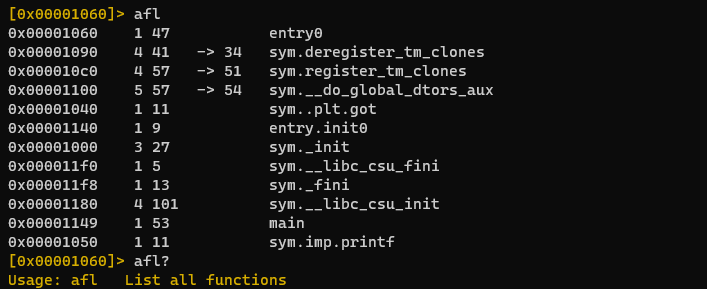
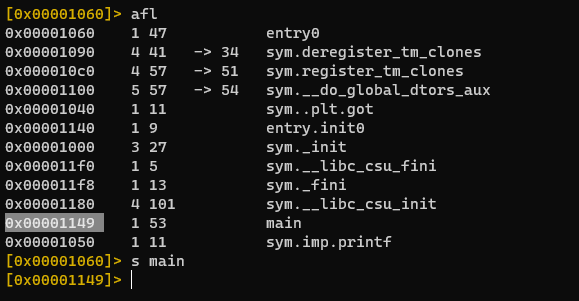
11. `afl` - list all functions
12. `s addr` - seek to address (di chuyển dấu nhắc con trỏ (địa chỉ ở dấu ngoặc kép) tới địa chỉ mà mình muốn)
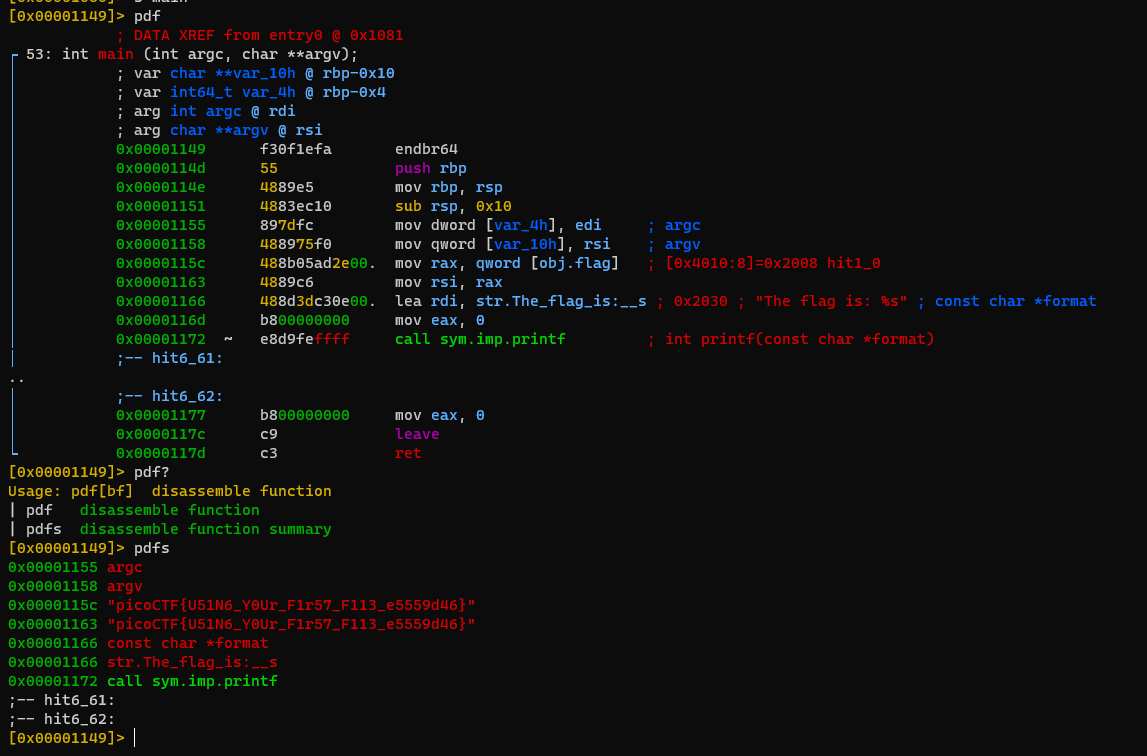
13. `pdf` - disassemble function\
`pdfs` - disassemble function summary
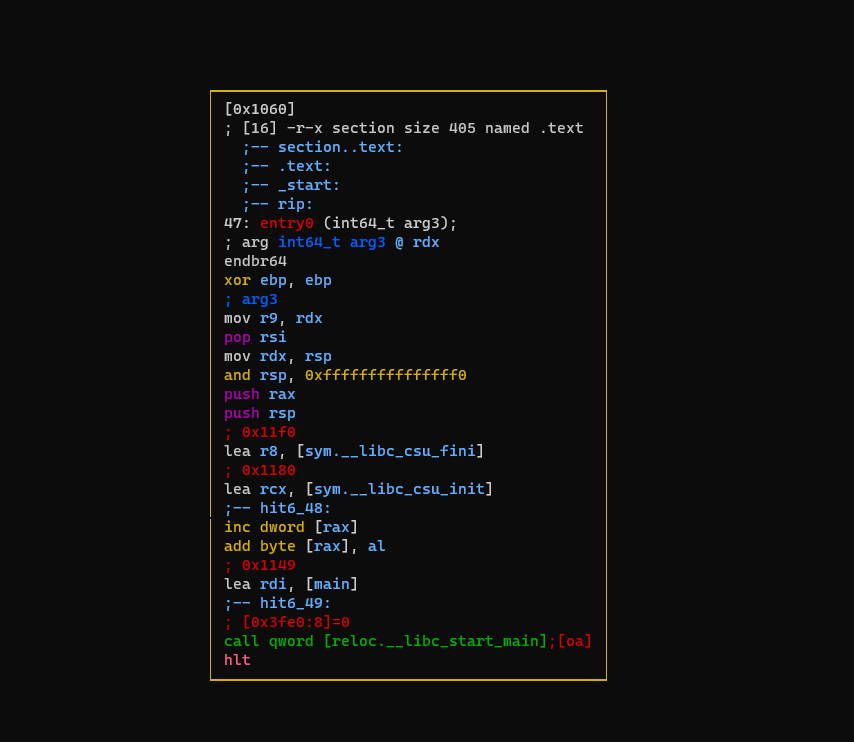
14. `VVV` - visual mode (xem code dưới dạng trực quan hơn, như đồ thị, chế độ hex)
---
# Agent Instructions: Querying This Documentation
If you need additional information that is not directly available in this page, you can query the documentation dynamically by asking a question.
Perform an HTTP GET request on the current page URL with the `ask` query parameter:
```
GET https://viettaliii.gitbook.io/home/education/tools/radare2.md?ask=
```
The question should be specific, self-contained, and written in natural language.
The response will contain a direct answer to the question and relevant excerpts and sources from the documentation.
Use this mechanism when the answer is not explicitly present in the current page, you need clarification or additional context, or you want to retrieve related documentation sections.